Install 121 4-channel NVR
Connect to the network

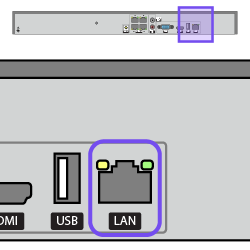
Connect the network Ethernet cable to the LAN port.

Swipe to continue

Connect the mouse

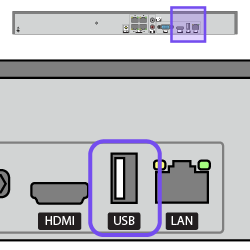
If using a mouse, connect it to the NVR's rear USB port.

Connect the local monitor

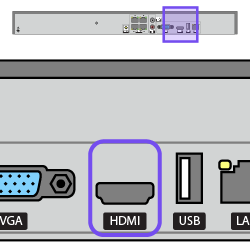
If using a local monitor, connect an HDMI cable from the monitor to the NVR's HDMI port.

The VGA port mimics the feed to the HDMI port.

Optional: Connect the mic and speakers

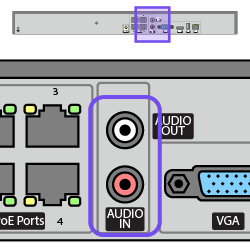
Connect the microphone to the Audio In port and the speakers to the Audio Out port.

Connect the cameras

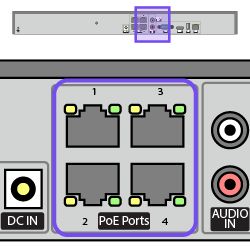
Connect the cameras to the PoE ports.

Connect and apply power

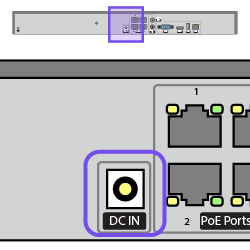
Plug the power cable into the NVR's DC IN port.

Attach the anchored cable tie

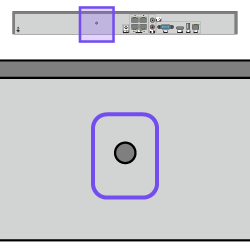
Snap the anchored cable tie into the hole.

Fasten the power cable with the anchored cable tie.